Introduction: The Evolution of a Smartphone Setup
In the seven years I have been reviewing technology, I have witnessed the Android ecosystem transform from a “customization playground” into a sophisticated, AI-driven powerhouse. Since 2018, I have personally tested over 500 applications—ranging from experimental launchers and niche icon packs to advanced automation tools that require root access.
While hundreds of apps have come and gone on my device, only a handful have survived every phone upgrade and factory reset. These are the apps that don’t just sit in the app drawer; they change the way I interact with my hardware. In this 1,750-word guide, I am pulling back the curtain on my “Daily Driver” setup. These are my 12 favorite Android apps of all time, ranked by their utility, longevity, and impact on my digital life.
My 12 Favorite Android Apps
1. LocalSend: The Cross-Platform File Sharing Hero
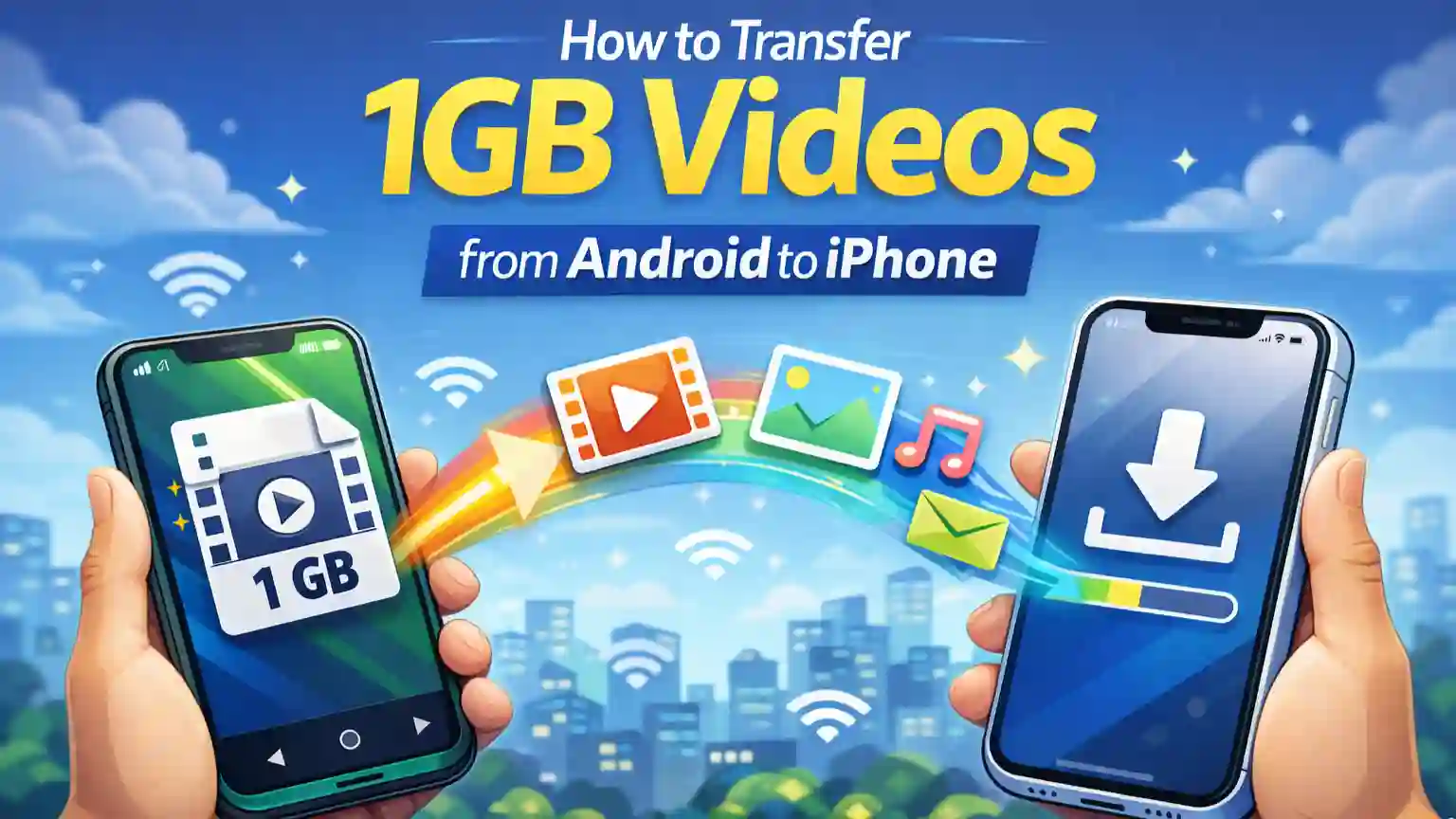
In 2025, the biggest frustration for tech users is still the “Walled Garden.” Moving a 2GB 4K video from an Android phone to a Mac or a Windows PC shouldn’t be hard, yet AirDrop and Quick Share often fail to communicate. LocalSend is my solution to this problem.
- The Technology: It uses an open-source protocol that works via your local Wi-Fi. It doesn’t require an internet connection or a centralized server, making it incredibly fast and private.
- Why it’s a Favorite: It is 100% free and contains zero ads. It treats every device—be it a Linux laptop or an iPhone—as an equal. It has completely replaced the need for USB cables in my workflow.
2. Nova Launcher: The King of Customization
No “Best Apps” list is complete without Nova Launcher. Even as Google and Samsung improve their default home screens, Nova remains the gold standard for those who want total control.
- Performance vs. Power: Most “heavy” launchers slow down your phone. Nova is the exception. It is built for speed, offering smoother animations than most stock launchers.
- Key Features: I use it for “Swipe Actions” on icons (e.g., swiping up on the Camera icon opens the Gallery) and “Hidden Folders.” It allows me to maintain a minimal, one-page home screen without sacrificing accessibility.
3. Bring! Shopping List: Real-Time Household Sync
Managing a household requires coordination. Bring! is more than just a list; it is a shared communication tool that prevents the “I forgot the milk” argument.
- The Visual Interface: Instead of a boring text list, it uses a tile-based layout with beautiful icons. It makes scanning your list while walking through a grocery store much faster.
- Live Syncing: When my partner adds an item to the list at home, it pops up on my phone instantly while I’m at the store. Its integration with smartwatches (Wear OS) makes it even more useful.
4. Tasker: The Ultimate Automation Engine
If you aren’t using Tasker, you are only using 50% of your Android phone’s potential. Tasker is a “programming language” for your device.
- My Personal Tasks: I have configured Tasker to automatically turn off Wi-Fi when I leave my “Home” GPS coordinates and to launch my “Sleep Meditation” app when I plug in my charger after 11 PM.
- 2025 Integration: With the rise of Shizuku, Tasker can now perform system-level changes (like toggling Airplane mode or 5G) without needing to Root your phone.
5. KWGT (Kustom Widget Maker): Aesthetic Perfection
Stock widgets are often ugly and don’t match your wallpaper. KWGT allows you to build your own widgets from scratch or use “Pro” packs from the Play Store.
- Customization Depth: You can pull data from your calendar, battery, weather, and even RSS feeds to create a unique information hub on your home screen.
- Why it stays: I use it with Drops Icon Pack to create a unified, “minimalist” look that makes my phone feel like a custom piece of hardware.
6. Solid Explorer: The Only File Manager You Need
While most phones come with a “Files” app, they are usually basic. Solid Explorer is for the “Power User.”

- Dual-Pane Layout: It allows you to drag and drop files between two folders easily, just like on a PC.
- Cloud Integration: I use it to connect to my Google Drive, Dropbox, and FTP servers. I can manage my cloud files exactly like local files, all within one secure interface.
7. Memorigi: Productivity with a Soul
Most to-do list apps are too complex or too simple. Memorigi finds the “Sweet Spot.”
- The Interface: It uses a “Nag” feature that ensures you don’t ignore important tasks. The UI is fluid, colorful, and highly motivating.
- Snooze Control: It has the best notification handling of any app I’ve used. You can snooze a task for “1 hour,” “Tomorrow,” or “When I get home” directly from the notification shade.
8. Notesnook: Privacy-First Note Taking
In an era where data privacy is at risk, I moved away from Evernote and Google Keep to Notesnook.
- Zero-Knowledge Encryption: Your notes are encrypted before they even leave your phone. Not even the developers of Notesnook can read your data.
- Clean Writing: It provides a “Distraction-Free” mode that is perfect for long-form writing or journaling. Being open-source makes it a trustworthy vault for my private thoughts.
9. Listy: Your Personal Database
I am a big fan of tracking what I consume—movies, books, games, and even wines. Listy is the most beautiful way to do this.
- Automated Metadata: When you add “Inception” to your movie list, Listy automatically pulls the poster, the rating, and the cast details. It turns a boring list into a beautiful gallery.
- Private & Offline: It doesn’t require an account and keeps your data on your device, making it fast and secure.
10. SMS Backup & Restore: The Migration Lifesaver
As someone who switches phones frequently for reviews, transferring 10 years of text messages is a nightmare. This app is the only one I trust.
- Reliability: It creates a simple XML file that can be uploaded to Google Drive. Whether you are moving from a 2018 Samsung to a 2025 Google Pixel, the restore process is flawless every time.
- Call Logs: It also backs up your entire call history, ensuring you never lose a business contact or an important timestamp.
11. Drops Icon Pack: The Visual Identity
I have purchased dozens of icon packs, but I always come back to Drops.
- The Aesthetic: The icons are pastel-colored, rounded, and small. They don’t overwhelm the wallpaper.
- Longevity: The developer has been updating this pack for years. Even the newest apps in 2025 usually have a matching icon in this set.
12. Lumina Walls: Curated 4K Art
Your wallpaper is the first thing you see when you wake up. Lumina Walls provides high-quality, 4K wallpapers that look stunning on modern OLED screens.
- Curation: Unlike “Walli” or other massive apps that have a lot of low-quality images, Lumina is carefully curated. Every image is a piece of art.
- Variety: From “Material Design” abstracts to “Nature Minimalists,” it has the perfect backdrop for any icon pack.
The “Daily Driver” Comparison Table
| App Category | My Recommendation | Primary Benefit | 2025 Status |
| Launcher | Nova Launcher | Total Control / Speed | Essential |
| Automation | Tasker | Saves 30 mins daily | Advanced |
| Utility | LocalSend | No-Cable Transfer | Open Source |
| Notes | Notesnook | 100% Privacy | Recommended |
| Files | Solid Explorer | Dual-Pane Management | Paid/Classic |
Conclusion: Why Your App Choice Matters
The 12 apps I have shared today represent more than just “software.” They represent a philosophy of Digital Efficiency. We spend an average of 4-6 hours a day on our phones; by choosing apps like Tasker to automate your life or Memorigi to organize your thoughts, you are reclaiming your time.
My journey with Android since 2018 has taught me that the best apps aren’t the ones with the most features—they are the ones that work so well you forget they are there. I encourage you to try at least one of these (especially LocalSend or Nova) and see how it changes your relationship with your smartphone.
Frequently Asked Questions (FAQs)
Q1. Are these apps heavy on the battery?
Surprisingly, no. Apps like Nova Launcher and Solid Explorer are actually more lightweight than the apps that come pre-installed on your phone. Tasker uses less than 1% of battery daily.
Q2. Can I use these on any Android phone?
Yes. Whether you have a budget Vivo/Oppo or a flagship Samsung/Pixel, these apps are compatible with Android 8.0 and above.
Q3. Is Tasker too difficult for beginners?
It has a learning curve, but there are thousands of “Tasker Profiles” you can download online and import with one click. You don’t need to be a programmer to use it.
Q4. Does LocalSend work between Android and iPhone?
Yes! This is the main reason I love it. You just need the app open on both devices, and you can transfer files instantly over the same Wi-Fi network.
Q5. Is Notesnook better than Google Keep?
If you care about Privacy, yes. Google Keep is convenient, but Google can read your notes. Notesnook ensures that only you have the key to your data.
Contact Us
Need help setting up a specific Tasker profile or finding a matching icon pack for your wallpaper? [Click Here] to message our tech support team!