Introduction: Why Everyone is Talking About AI
If you have opened YouTube, Instagram, or even your Google News feed lately, you have probably seen it: AI is everywhere. Everyone is talking about ChatGPT, Gemini, and how robots are going to take our jobs (or make them easier). Like many of you, I felt a mix of excitement and “FOMO” (Fear Of Missing Out). I wanted to understand how this magic actually works. I didn’t just want to use AI; I wanted to know how to build it.
But here is the problem I faced, and I bet you are facing it too: where do you actually start?
I tried watching YouTube tutorials, but they were often unstructured. I looked at university courses, but they were filled with scary math equations that looked like alien hieroglyphs. I even checked out paid bootcamps, but I wasn’t ready to spend thousands of rupees on something I wasn’t sure I’d like.
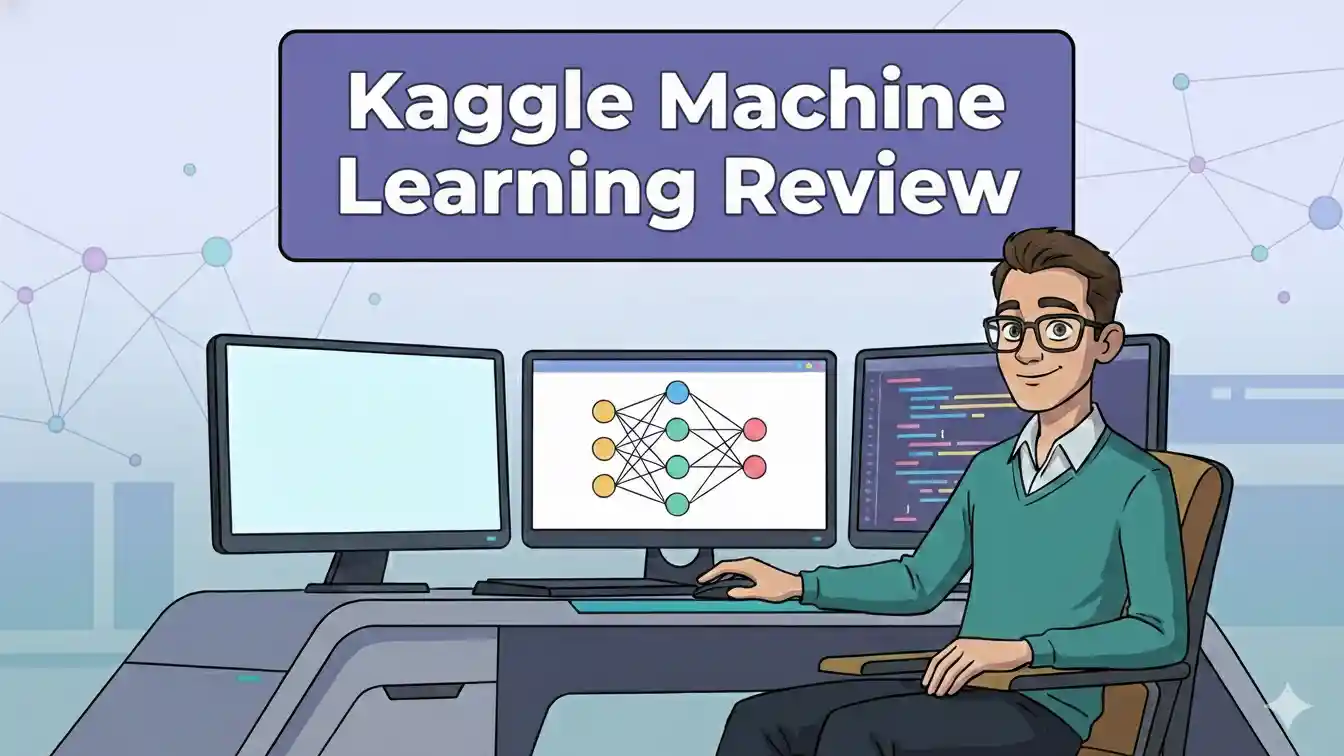
That is when I stumbled upon a hidden gem in the data science world. It wasn’t a fancy university degree or a $500 Udemy course. It was the Kaggle Machine Learning course. Specifically, their “Intro to Machine Learning” track. It promised to be free, fast, and practical.
Skeptical but curious, I decided to give it a shot. Now, after finishing it and building my first model, I am here to share my honest, unfiltered review. In this 1,500+ word guide, I will walk you through everything—what you learn, the good parts, the bad parts, and whether this Kaggle Machine Learning journey is right for you.
What Exactly is Kaggle? (And Why Should You Care?)
Before we dive into the course itself, we need to address the platform. If you are new to the tech world, you might think Kaggle is just a funny-sounding name. But in the data science community, Kaggle is legendary.
Think of Kaggle as the “Olympics of Data Science.” It is a platform owned by Google where companies (like Zillow, Netflix, or medical research institutes) post complex data problems and offer huge cash prizes to whoever can build the best AI model to solve them. We are talking about prizes ranging from $25,000 to $100,000!
However, Kaggle isn’t just for the pros. They realized that to get more people into these competitions, they needed to teach beginners how to code. That is why they created “Kaggle Learn”—a series of micro-courses designed to take you from “Zero” to “Hero” in the shortest time possible.
The Kaggle Machine Learning ecosystem is unique because it is browser-based. You don’t need to install Python, buy a powerful laptop, or mess with “Command Prompt” installations that usually scare beginners away. You just open your browser, log in, and start coding.
My Personal Experience: The “Day 1” Jitters
Let me be real with you for a second. I am not a math genius. In school, I was average at algebra and terrible at calculus. So, when I clicked on the “Start Course” button for the Kaggle Machine Learning intro, I was nervous. I expected to be hit with a wall of equations and statistical jargon that would make me quit in 10 minutes.
To my surprise, that didn’t happen.
The course didn’t start with math. It started with a concept. It asked a simple question: How do we estimate the price of a house?
It felt intuitive. It wasn’t about abstract numbers; it was about real-world logic. They explained that if a house has more rooms, the price usually goes up. If the house is old, the price might go down. Machine learning is just teaching a computer to recognize these patterns automatically.
The “Aha!” Moment
My biggest breakthrough came during the coding exercises. Kaggle uses a “Notebook” style interface. This means the screen is split: on the top, you have the instructions, and at the bottom, you have a little box where you type code.
I remember typing my first few lines to load a dataset about house prices in Iowa (USA). I hit the “Play” button, and boom—the data appeared in a neat table. It felt like magic. I wasn’t just reading about AI; I was controlling it. This hands-on approach is what kept me going. Unlike video courses where you can “zone out” and fall asleep, the Kaggle Machine Learning course forces you to type. You have to be awake, and you have to be engaged.
Course Breakdown: What Will You Actually Learn?
The “Intro to Machine Learning” course is broken down into 7 key lessons. Here is a look at what is inside each module and my take on them.

1. How Models Work
This is the theory part, but it’s very short. It explains the concept of a “Decision Tree.” Imagine a flowchart:
- Does the house have more than 2 bedrooms?
- Yes: Price is likely high.
- No: Price is likely low. They explain that a machine learning model is basically a giant, complex version of this flowchart that the computer builds for itself.
2. Basic Data Exploration
Here, you get your hands dirty with code. You use a library called “Pandas” (not the bear, but a Python tool). You learn how to load data and look at it.
- My thought: This part was a bit dry, but necessary. You can’t cook a meal without buying ingredients, and you can’t build AI without loading data.
3. Your First Machine Learning Model
This is the exciting part. You select “features” (like the number of bedrooms, lot size, year built) and the “target” (the price). You write about four lines of code, and suddenly, you have a model that can predict prices.
- My experience: I felt like a hacker. I literally created a prediction engine in under 15 minutes.
4. Model Validation
This was a reality check. The course teaches you that just because your model works, doesn’t mean it’s good. They introduce “MAE” (Mean Absolute Error). Essentially, it calculates how wrong your predictions are on average.
- Why this matters: It teaches you to be critical of your own work, which is a vital skill for any developer.
5. Underfitting and Overfitting
This is the most important concept in the entire Kaggle Machine Learning curriculum.
- Overfitting: Your model memorizes the training data perfectly (like a student memorizing answers for a test) but fails when it sees new data.
- Underfitting: Your model is too simple and misses the patterns (like a student who didn’t study at all). The goal is to find the “Sweet Spot” in the middle.
6. Random Forests
Finally, you upgrade your simple Decision Tree to a “Random Forest.” Instead of one tree making a guess, you have hundreds of trees making guesses, and you take the average. It’s much more accurate.
- The result: My error rate dropped significantly after using this technique. It showed me the power of advanced algorithms.
Pros and Cons of the Kaggle Machine Learning Course
Nothing is perfect. While I love this platform, there are definitely some downsides you should know about before you invest your time.
The Pros (Why I Love It)
- 1. It is 100% Free: There are no hidden paywalls. You don’t have to put in your credit card details “just in case.” It is genuinely free education.
- 2. No Setup Nightmare: As I mentioned earlier, setting up Python, Anaconda, and Jupyter Notebooks on a local PC can be a headache for beginners. Kaggle handles all of this in the cloud. You can learn on a cheap Chromebook or an old laptop, and it will run perfectly.
- 3. Bite-Sized Lessons: Each lesson takes about 15–20 minutes to read and another 20–30 minutes to code. You can easily finish one module during your lunch break.
- 4. Real Code, Not Just Videos: I have taken courses on Coursera where I watched 10 hours of video but didn’t write a single line of code. Kaggle is the opposite. It is 90% doing and 10% reading.
- 5. The Community: If you get stuck (and you will), there is a discussion tab where thousands of other learners have asked the same questions. The Kaggle Machine Learning community is very supportive.
The Cons (Where It Falls Short)
- 1. It moves VERY fast: Because it is a “micro-course,” they skip a lot of the underlying theory. They show you how to use the code, but they don’t always explain why the math works that way. If you want deep theoretical knowledge, this isn’t it.
- 2. The “Fill in the Blanks” Style: The coding exercises are sometimes too easy. They give you most of the code and just ask you to fill in one or two blanks. This can give you a false sense of confidence. You might feel like you know it, but if you opened a blank page, you might struggle to write the code from scratch.
- 3. Limited Scope: This is strictly an introduction. It only covers structured data (like Excel tables). It doesn’t touch on cool stuff like Computer Vision (images) or NLP (text), though they have separate courses for those later.
Comparison: Kaggle vs. The Giants (Coursera & Udemy)
You might be wondering, “Why should I do this instead of the famous Andrew Ng course on Coursera?”
Here is my take:
- Coursera (Andrew Ng): This is like a University Lecture. It is prestigious, deep, and heavy on theory/math. It is fantastic if you want to become a professional AI researcher, but it can be boring and slow for a hobbyist or a practical learner.
- Udemy: These are hit or miss. Some are great, some are outdated. You also usually have to pay (even if it is just $10), and you have to set up your own coding environment.
- Kaggle Machine Learning: This is like a Workshop. It is messy, fast, and practical. You won’t learn the mathematical formula for “Gradient Descent,” but you will learn how to actually build a model that predicts house prices in an afternoon.
My Advice: Start with Kaggle. It builds momentum. If you finish Kaggle and fall in love with AI, then go take the Coursera course to understand the deep theory. Kaggle gives you the “win” you need to stay motivated.
Who is This Course Actually For?
I believe the Kaggle Machine Learning intro is perfect for a specific type of person:
- The “Code-Curious” Beginner: You have heard about Python and AI, and you want to see what the fuss is about without spending money.
- The Practical Learner: You hate lectures. You hate reading long textbooks. You learn by breaking things and fixing them.
- The Career Switcher: You are currently in marketing, finance, or sales, and you want to add a “tech skill” to your resume to impress your boss.
However, it is NOT for you if:
- You want to get a job as a Senior Data Scientist tomorrow. (This is just the alphabet; you still need to learn to write sentences).
- You hate reading. The course is text-based, not video-based.
Does the Certificate Help with Jobs?
Let’s address the elephant in the room. Does the certificate you get at the end actually matter?
The Short Answer: No, the certificate itself won’t get you a job. Putting “Kaggle Intro to Machine Learning” on your resume won’t make Google hire you instantly.
The Long Answer: The certificate proves interest, not expertise. However, the skills you learn are valuable. The real value of Kaggle is not the paper certificate; it is the portfolio.
After you finish the course, Kaggle encourages you to enter the “Titanic Survival Prediction” competition. This is a legendary challenge where you use machine learning to predict which passengers survived the Titanic disaster. If you build a good model for that and publish your code, that is something you can show a recruiter. A portfolio of projects is worth 100x more than a certificate.

Step-by-Step Guide: How to Start Today
If I have convinced you to give it a try, here is exactly how to get started. It will take you less than 2 minutes.
- Go to the Website: Search for “Kaggle Learn” on Google.
- Create an Account: You can sign up with your Google account. It’s one click.
- Navigate to “Learn”: On the left sidebar, click on “Learn.”
- Select the Course: Look for “Intro to Machine Learning.” (Note: They recommend you take the “Python” course first if you have never coded before. If you know basic Python variables and lists, you can skip straight to ML).
- Start Lesson 1: Read the text, scroll down to the bottom, and click on the “Exercise” button to open the coding notebook.
Pro Tip: Do not rush. It is tempting to just copy-paste the answers to get the certificate. Don’t do that. Read the error messages. Try to break the code intentionally to see what happens. The real learning happens when things go wrong, not when they go right.
What Comes Next? (The Roadmap)
Congratulations! You finished the Kaggle Machine Learning intro. You are feeling good. But what now? Do you stop?
No. This is just the beginning. Here is the path I recommend following after you finish this course:
- Intermediate Machine Learning (Kaggle): This is the direct sequel. It teaches you how to handle “Missing Values” (what if the data has holes in it?) and “Categorical Variables” (text data).
- Pandas Course (Kaggle): You will realize quickly that 80% of AI is just cleaning data. The Pandas course will make you a master at this.
- The Titanic Competition: Join this competition. Look at other people’s code (called “Kernels”). Copy them, run them, and try to change one small thing to improve the score.
- Build Your Own Project: Find a dataset that interests you. Do you like cricket? Find a dataset of IPL scores and try to predict the winner of the next match. Do you like movies? Build a recommendation engine.
Conclusion: Just Start.
In 2026, AI is not a futuristic concept anymore. It is a basic digital skill, like knowing how to use Microsoft Excel or how to send an email. You don’t need to become a math wizard to understand it. You just need curiosity.
The Kaggle Machine Learning course is, in my opinion, the single best entry point for the modern beginner. It removes all the barriers—cost, installation, and fear—and replaces them with fun, practical problem-solving.
Is it a complete education? No. Is it the perfect spark to start a fire? Absolutely.
When I started, I was terrified of the code. Today, I use these skills to analyze data for my blog and even automate simple tasks. The journey from “I can’t do this” to “Look what I built” is incredibly satisfying.
So, stop overthinking it. Stop watching videos about “How to learn AI.” Go to Kaggle, click start, and write your first line of code. Your future self will thank you.
FAQ
Q1. Is the Kaggle Machine Learning course really free?
Yes, it is 100% free. There are no hidden fees, subscriptions, or credit cards required to access the lessons or the coding environment.
Q2. Do I need to know Python before starting?
It is highly recommended. If you have zero coding experience, you should take Kaggle’s free “Intro to Python” course first, which only takes a few hours.
Q3. How long does it take to finish the course?
The “Intro to Machine Learning” course is designed to be fast. Most learners finish it in roughly 3 to 4 hours, depending on their reading speed.
Q4. Does Kaggle provide a certificate?
Yes. Once you complete all the exercises, you will receive a digital certificate of completion that you can download or share on LinkedIn.
Q5. Is this course enough to get a job?
No, this is a beginner-level course. It teaches you the basics, but you will need to build a portfolio of unique projects and learn advanced topics to get hired.
Contact Us
If you have any query please Click Here to contact us.